NOT OK. · PARTNER MEDIA PACK
Join the movement with your organisation.
Add your logo once and it appears on all 20 campaign posts. Download them one at a time or all together, then share them on your own channels. Supporter badges, LinkedIn banners and email signatures are further down the page.
1. Add your logo
Your logo sits in the top right corner of every post, in the area marked YOUR LOGO. It is scaled to fit 300 × 88 px on a 1080 × 1080 px post.
Use a PNG or SVG with a transparent background. Five posts have a black background. Add a light version of your logo for those, or the main logo is used.
2. Download the posts
1080 × 1080 px PNG, sized for LinkedIn and Instagram feeds.
- Post 01 Statement · Look how bad this is
- Post 02 Statement · Look how bad this is
- Post 03 Stat · Look how bad this is
- Post 04 Statement · Look how bad this is
- Post 05 Excuse · Tired of the excuses
- Post 06 Stat · Tired of the excuses
- Post 07 Excuse · Tired of the excuses
- Post 08 Stat · Tired of the excuses
- Post 09 Stat · Tired of the excuses
- Post 10 Statement · Why is nothing changing?
- Post 11 Excuse · Why is nothing changing?
- Post 12 Stat · Why is nothing changing?
- Post 13 Statement · Why is nothing changing?
- Post 14 Stat · Moving too slowly
- Post 15 Stat · Moving too slowly
- Post 16 Stat · Moving too slowly
- Post 17 Stat · Moving too slowly
- Post 18 Stat · Moving too slowly
- Post 19 Statement · We're done waiting
- Post 20 Finale · So we're changing it
Supporter badges
For profile photos, websites and presentations. PNG and JPG are 2000 × 2000 px. SVG scales to any size.
 Protest · square
 Protest · round
 Supporter · square
 Supporter · round
Upload your logo in step 1 to use this.
Sticker · square
Upload your logo in step 1 to use this.
Sticker · round
LinkedIn banners
1584 × 396 px. The text sits on the right so a profile photo never covers it.
 Dark · Not OK
 Light · Not OK
 Yellow · Not OK
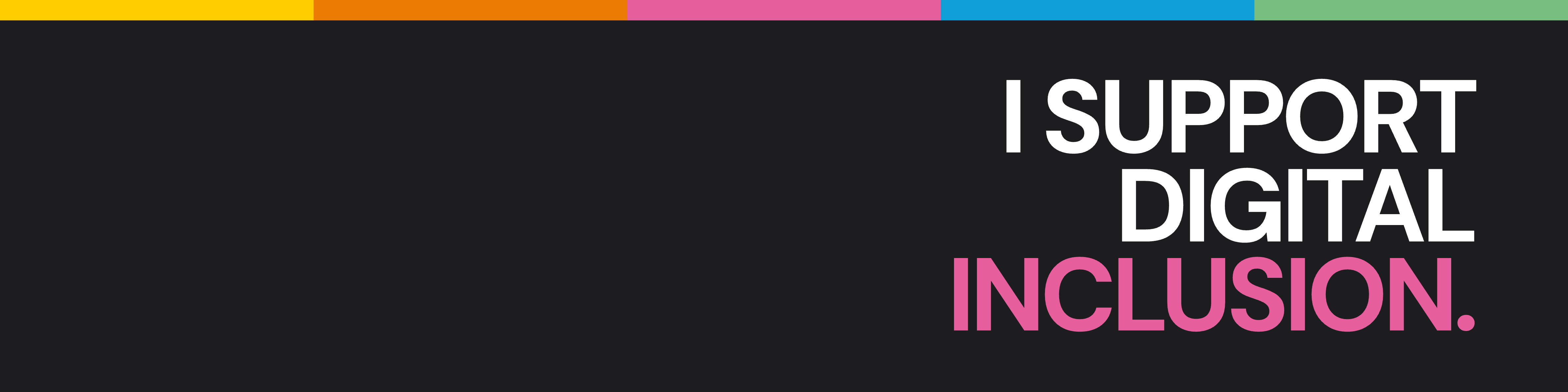 Dark · I support
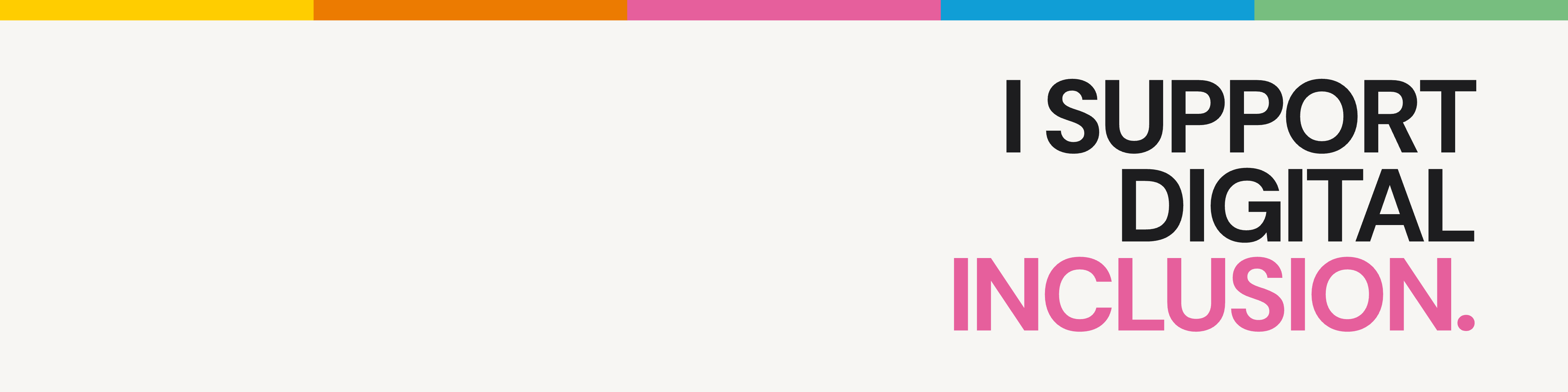 Light · I support
Email signatures
Paste one under your existing signature and link it to the campaign page.
 Outline tag
 Dark strip
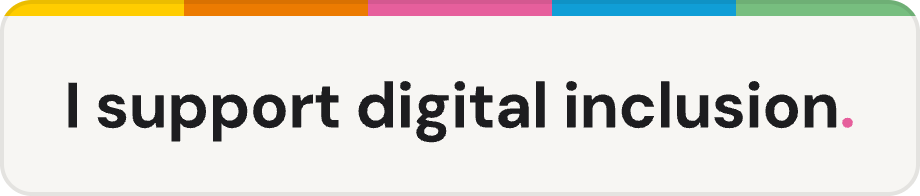 Stripe and one line
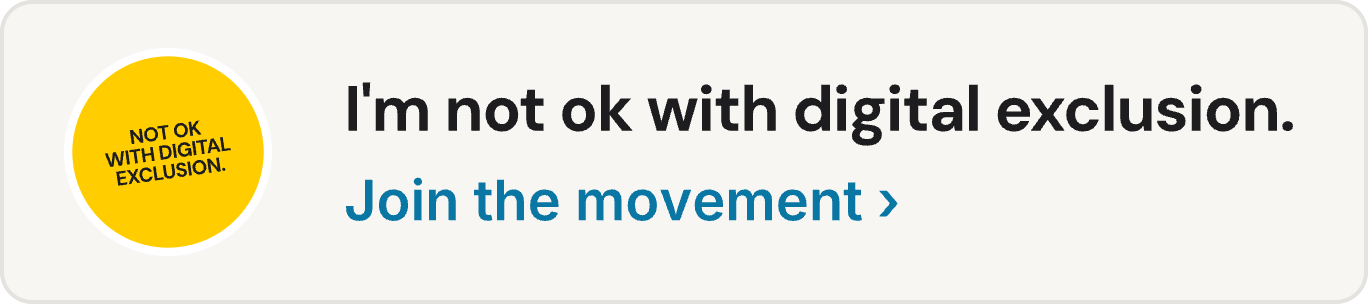 Sticker and invitation
 Dark mini poster
 Light mini poster